
Why Mobile Crypto Wallets Deserve a Proper Deep Dive
Most people install the first flashy wallet they see in an app store and only start reading about security after something goes wrong. That’s the backward approach. If you’re going to store real value on your phone, you need to understand what’s happening under the hood: how keys are generated, who controls what, where fees actually come from, and why “convenience” can quietly eat your privacy. This guide walks through the logic step by step, compares how the most popular mobile crypto wallets behave in the real world, and offers a few non-obvious tricks to make your setup both safer and cheaper without turning you into a full‑time sysadmin.
Step 1. Understand What a Mobile Crypto Wallet Really Is
Before picking the best mobile crypto wallet for your needs, straighten out one core misconception: the wallet does not store your coins. Your funds live on a blockchain; the wallet just holds private keys and builds signed transactions. In practice, the app is a key manager plus a user interface, wrapped in more or less security. When you “send BTC,” the app signs a message proving you own a specific output and broadcasts it. If those keys leak, the network won’t help you – from Bitcoin’s perspective, the thief is just another valid owner. This is why so much depends not on branding or interface beauty, but on how the wallet treats seed phrases, encryption, backups, and permissions.
Custodial vs Non‑Custodial: The First Big Fork in the Road
A crucial distinction that many beginners skip is custodial versus non‑custodial wallets. A custodial wallet (think exchange apps like Binance or Coinbase main app, not Coinbase Wallet) holds keys for you; you get convenience and easy password recovery, but no real sovereignty. A non‑custodial wallet (MetaMask, Trust Wallet, Exodus, Coinbase Wallet, etc.) gives you seed words and pushes responsibility into your hands. For long‑term savings and serious sums, non‑custodial is the sane default, but you must accept that losing your seed equals permanent loss of funds. For day‑to‑day small amounts, a well‑chosen custodial app can be acceptable, as long as you treat it more like a bank account than a vault.
Step 2. Map the Wallet Landscape: What’s “Popular” Actually Mean?
The phrase “top cryptocurrency wallet app” usually combines three things: download counts, brand recognition, and social media buzz. That doesn’t always align with good engineering. The most visible wallets today include MetaMask (EVM focus), Trust Wallet (multi‑chain, owned by Binance), Coinbase Wallet (non‑custodial, strong brand), Exodus (user‑friendly design, multi‑platform), and Phantom (for Solana, but expanding). There are also more privacy‑minded options like BlueWallet for Bitcoin or Samourai (for advanced users), plus hardware‑linked solutions such as Ledger Live and Trezor Suite mobile bridges. Being “popular” is a signal that many eyes are on the code, but it’s also a magnet for attackers, so download numbers should be only your starting filter, not your decision point.
How to Quickly Pre‑Filter Mobile Wallets Before Testing
A practical approach: before installing anything, run a five‑question filter. First, is it open source or at least partly auditable? Second, does it have clear, recent security disclosures and a changelog? Third, is there a straightforward way to export your seed or private keys? Fourth, does the app rely on your own device encryption, or does it add its own PIN/biometric lock? Fifth, how does it make money – spread on swaps, token listings, built‑in bridges? If a wallet dodges these questions or buries them in vague marketing, it’s a red flag no matter how sleek the design or how high the rating.
Step 3. Features That Actually Matter (Beyond Marketing)
When apps compete, they throw in an endless feature list: staking, NFTs, in‑app news, DeFi dashboards, one‑tap swaps. It’s tempting to equate “more features” with “better wallet,” but each extra function introduces code paths and potential vulnerabilities. For a secure bitcoin wallet app for Android and iOS, you should focus on solid basics first: seed phrase handling, multi‑address support, fee control, watch‑only mode, and reliable push notifications. Only after these essentials check out does it make sense to assess extras like DEX integration, hardware wallet pairing, or cross‑chain bridges. Learn to separate core wallet functionality from bolt‑on DeFi toys.
Essential Features for Everyday Use
If you strip away the hype and look at what you’ll touch every week, the most useful features are surprisingly simple. Clear transaction history with readable labels saves time and mistakes. Customizable network fee settings protect you from overpaying during congestion. Multi‑chain support reduces app hopping and helps manage diversified portfolios, especially if you touch Ethereum, Bitcoin, and at least one high‑throughput chain like Solana or Polygon. QR scanning is more than convenience – it also lowers typo risk when sending funds. Finally, backup and restore flows need to be idiot‑proof, because you’ll likely meet them in your most stressed moments: lost phone, broken screen, or OS reset.
Advanced Features Worth Considering Later
Once you’re comfortable with basics, some advanced features can meaningfully improve your experience. Wallet‑connect style integrations let you use DeFi platforms from your phone while keeping keys under your control, essentially turning your device into a signature module. Built‑in DEX aggregators can be helpful, but assess what fees or spreads they charge compared to going direct. Multi‑sig or shared wallets, supported by some Bitcoin‑focused and enterprise apps, can drastically reduce single‑point‑of‑failure risk by requiring multiple devices or people to approve transactions. These are more complex, but for larger sums they shift the game from “don’t get hacked” to “an attacker needs to compromise multiple independent keys.”
Step 4. Fees: Where Your Money Quietly Leaks Away
Many users assume the “best mobile crypto wallet with lowest fees” is the one claiming zero commissions on transfers. The reality is more nuanced. First, there are network fees (paid to miners or validators) that no wallet controls; the app can only suggest good defaults or let you tweak gas. Second, there are service fees: spreads on swaps, bridge fees, and hidden markups on “instant buy” features. Some wallets appear free because they monetize you in less visible ways: data collection, promoted tokens, or default routing through their own infrastructure. To truly evaluate cost, you need to compare at least a few real scenarios – sending BTC, swapping tokens, bridging to another chain – and track total outflow, not just the on‑screen line labeled “fee.”
How to Compare Fees Without a PhD in Economics
A straightforward method to compare wallets is to run the same small operation through several apps. For instance, test how each handles sending a modest amount of Bitcoin and ETH during a busy hour. Note the suggested fee, the ability to set it manually, and the resulting confirmation times. Then try a simple token swap on the same network: check the difference between quoted and executed amount, and whether the app shows you the effective slippage and rate. A truly mobile crypto wallet with lowest fees will be transparent about all these variables and won’t hide spread inside confusing terminology. Keep screenshots and, if needed, ask support to explain any discrepancies – their answer will tell you a lot about the team’s ethics.
Step 5. Security: The Part Everyone Mentions and Few Understand
Security is the make‑or‑break factor, but it’s often reduced to buzzwords: “military‑grade encryption,” “bank‑level security,” and similar void phrases. Underneath these claims, the main technical decisions revolve around key storage, encryption, network communication, and update practices. On mobile, your biggest enemies are malware, phishing, supply‑chain attacks on app stores, and plain human error. The best crypto wallet app for beginners is not the one with the scariest jargon, but the one that builds guardrails around typical mistakes – reusing passwords, installing fake apps, ignoring updates, and blindly approving malicious transactions. Understanding a few specific mechanisms puts you instantly above the average user in terms of safety.
Key Storage and Seed Management
Most non‑custodial wallets generate a 12‑ or 24‑word seed phrase based on standards like BIP‑39. That seed can often recreate all your accounts on multiple chains, which is both elegant and extremely dangerous. Encryption on the device usually depends on your phone’s secure enclave or keystore; the wallet app layers a PIN or biometric lock on top. Your priority is to ensure the seed never ends up in screenshots, cloud backups, or messaging apps. Write it down offline, make at least two copies stored in different physical locations, and consider using metal plates or capsules for fire and water resistance. Avoid photographing the seed at all costs; image galleries are among the first places malware will scan.
Network and Transaction Safety
Another under‑discussed dimension is how the wallet talks to the blockchain. Many popular apps default to their own servers or centralized RPC endpoints, meaning they can theoretically censor, log, or profile your activity. Advanced users sometimes route traffic through their own full node or privacy‑enhancing services, but even without that, you can reduce risk by avoiding public Wi‑Fi for big transactions and enabling VPNs you trust. Carefully reading transaction previews before signing is also crucial; phishing dApps rely on you approving opaque operations. Some wallets now highlight unusual actions (like granting infinite token approvals), and choosing one with such protective UX is a smart move, especially if you’re exploring DeFi.
Step 6. Common Mistakes and How to Dodge Them
Many wallet “hacks” are not sophisticated exploits but social engineering combined with sloppy user habits. People search for a famous wallet in an app store, install a look‑alike clone, import their seed, and hand over their assets in seconds. Or they respond to a “support” DM on social media and paste their recovery phrase into a fake form. Another recurring error is storing all funds in a single hot wallet on a single phone, turning one lost device into a catastrophic event. Thinking through failure scenarios in advance may feel pessimistic, but it’s how security professionals operate: assume you will eventually click something wrong, then design your setup so that mistake doesn’t wipe you out.
Five Mistakes to Avoid from Day One
1. Searching wallets via ads instead of direct links. Always go to the official project website first and follow its store links; scammers rely on typo‑squatting and promoted fake apps.
2. Keeping seed phrases in digital form. Notes apps, email drafts, and chat windows are hostile territory; only offline, physically separate backups are acceptable.
3. Mixing “play money” with savings. Have a separate “experiment” wallet; losing it should be annoying, not life‑changing.
4. Skipping updates for months. Postponed updates mean known vulnerabilities remain unpatched on your phone; set reminders to review changelogs and update regularly.
5. Approving every dApp request blindly. Especially on Ethereum‑style chains, token approvals can silently grant full control over assets; read each prompt as if it were a contract.
Step 7. Matching Popular Wallets to User Profiles
Instead of chasing a single best solution for everyone, think in terms of personas. A DeFi enthusiast needs quick access to many dApps, while a long‑term holder of BTC and ETH may touch the wallet only a few times a month. If you’re focused on NFTs and Solana, Phantom or similar wallets optimized for that ecosystem will feel natural; for multichain EVM usage, MetaMask or Rabby Mobile (where available) might be more fitting. For those mostly buying through a centralized exchange but wanting to self‑custody larger balances, something like Exodus or Coinbase Wallet offers an approachable middle ground. The key is to pair each use case with security practices and not to overload beginners with features they won’t understand yet.
Non‑Standard Setup Ideas That Actually Work
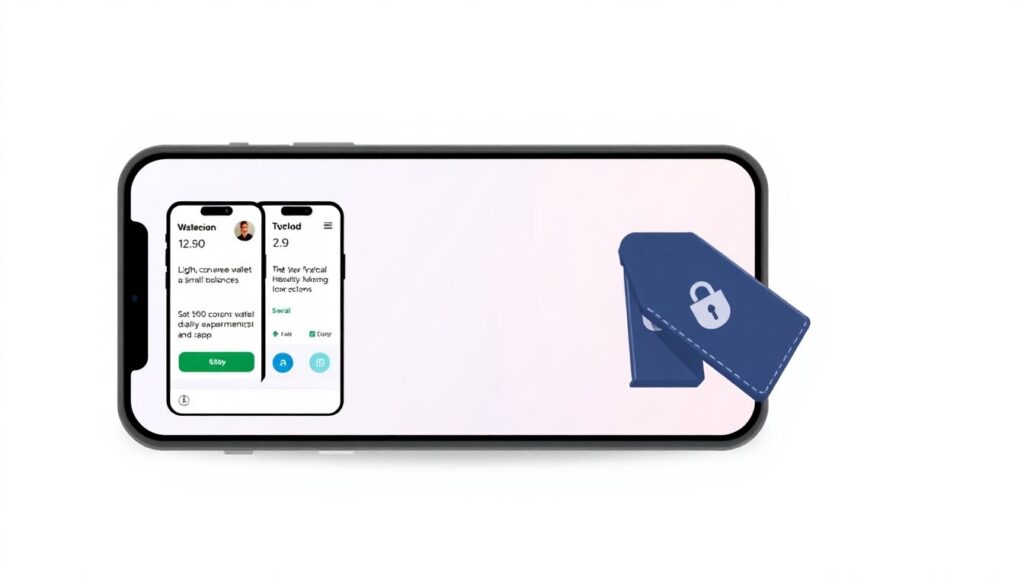
One unconventional but effective approach is to use a “tiered” wallet structure on mobile. Keep a light, convenience‑oriented wallet with small balances for daily experiments and dApp interactions, and a second, more locked‑down wallet app paired with a hardware wallet for long‑term holdings. Another trick is to run your “serious” wallet on a phone that you treat almost like a mini hardware device: no random apps, no gaming, minimal browsing. This secondary phone doesn’t have to be expensive; even an older, reset device can become a quasi‑cold storage hub if it’s kept offline most of the time and only connected briefly for transactions.
Step 8. A Practical Path for Absolute Beginners
If you’re new and want the best crypto wallet app for beginners without drowning in jargon, start with a simple roadmap. First, choose a reputable non‑custodial wallet with clear onboarding and solid reviews from technical communities, not just influencers. Second, run through a test: create a wallet, write down the seed phrase, wipe the app, and restore it from your backup. If you can’t do that calmly, you’re not ready to store real money there yet. Third, move a tiny amount of crypto, maybe the equivalent of a few dollars, and practice sending it between your own addresses. Only when this feels routine should you increase the stored value. Treat it as driving lessons for digital money.
When to Upgrade from “Beginner Mode”
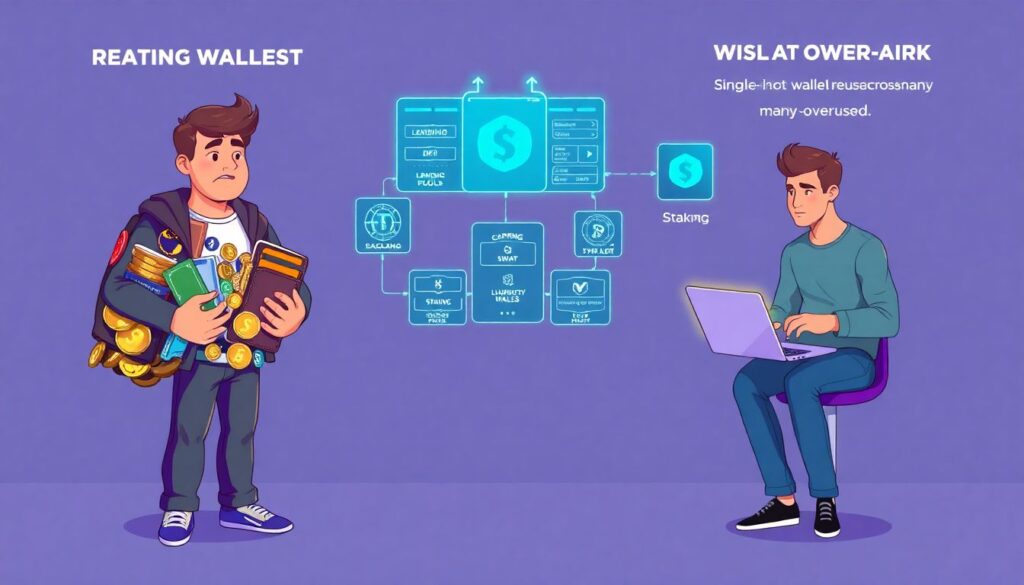
You’ll know it’s time to graduate from your basic setup when three things happen: your holdings grow beyond what you’d feel comfortable carrying in your physical wallet, you start interacting with more complex protocols than simple send/receive, and you catch yourself reusing the same hot wallet everywhere. At that point, introduce a hardware wallet, move long‑term holdings there, and keep your mobile app primarily as a signer and transaction initiator. Consider learning about multi‑sig or at least splitting funds across chains and apps. This incremental hardening is far easier than trying to retrofit security after you’ve already scattered keys across a dozen dApps and experimental wallets.
Step 9. How to Re‑Evaluate Your Wallet Over Time
Crypto evolves fast, and so do its tools. A wallet that was cutting‑edge two years ago might be coasting on its brand while neglecting important upgrades. Schedule periodic check‑ups: once or twice a year, review whether your current app still fits your behavior, whether competitors have implemented better security patterns, and whether your own risk tolerance has changed. Scan recent security audits, bug bounty reports, and community discussions. If a wallet team consistently downplays incidents or hides behind marketing slogans instead of publishing technical post‑mortems, treat that as a signal to migrate gradually. Your loyalty should be to your keys, not to any particular company or interface.
Step 10. Putting It All Together
Choosing the best mobile crypto wallet isn’t about memorizing brand names, it’s about learning a mental checklist and applying it calmly every time. Start with custody model and security fundamentals, look at real‑world fee behavior instead of slogans, and pay attention to how an app behaves when things go wrong: lost device, failed transaction, phishing attempt. Use popularity as a filter but not as proof of safety. Don’t be afraid of unconventional setups like a dedicated “wallet phone” or multi‑wallet tiers; these small frictions can dramatically reduce risk while keeping crypto practical in your daily life. In this landscape, thoughtful habits will always beat blind trust in any single “top” wallet app.