

Why crypto backups matter more than you think
Let’s start with an uncomfortable truth:
For most people, losing access to their crypto is far more likely than being hacked.
Forgotten seed phrase. Broken phone. Wiped laptop. House fire.
All of these are boring, everyday disasters — and they destroy far more wallets than sophisticated hackers ever will.
So this guide is about something less glamorous, but absolutely critical:
how to securely back up a crypto wallet and how to build a simple, realistic disaster recovery plan that you’ll actually maintain.
We’ll walk through concrete steps, point out common mistakes, and give beginner‑friendly options alongside more advanced ones.
Step 1. Decide what exactly you’re backing up
Most people think: “I need to back up my wallet app.”
That’s not precise enough.
In almost all modern wallets, the thing you actually need to protect is:
– Your seed phrase (recovery phrase, mnemonic) – 12–24 words
– Or a private key (long string of characters) if no seed is used
Everything else — balances, transaction history, tokens — can be restored from the blockchain as long as you have that secret.
What you need to identify
1. Which wallets you use (names and types: mobile, browser extension, hardware).
2. Where each wallet’s seed phrase or private key currently lives.
3. Whether there are any hidden accounts, extra derivation paths, or passphrases (“25th word”) enabled.
If you don’t know where your seed phrase is written down right now, pause and fix that first.
If it’s “somewhere in my notes app” or “I think I saved a screenshot” — you have an urgent problem, not a backup.
Step 2. Pick your main backup medium: paper, metal, or digital
You have three practical categories of crypto backup solutions for investors and everyday users:
Option A: Paper backup (cheap, but fragile)
Writing your seed phrase on paper is still extremely common.
Pros:
– Very cheap
– Easy for beginners
– No special tools needed
Cons:
– Sensitive to water, fire, mold
– Ink can fade
– Easy to misplace, tear, or throw out by accident
If you use paper:
– Use pen that doesn’t smudge and simple handwriting (no weird shorthand).
– Write the words in order, numbered, and double‑check spelling.
– Make at least two copies kept in different physical locations.
Beginner tip:
Read each word aloud as you write it. Then check it again from top to bottom. A single wrong word means total loss later.
Option B: Metal backup (durable and long‑term)
For serious amounts or long‑term holds, metal is the standard.
You can use:
– Commercial steel backup plates (letter tiles or stamping kits)
– DIY metal plates with an engraving pen or punch set
Pros:
– Resistant to fire, water, and most physical damage
– Long‑term durability (decades)
Cons:
– More expensive
– Takes more time to set up
– No “undo” button if you stamp the wrong letter
A hardware wallet backup and recovery guide will often explicitly recommend metal for any large holdings. It’s not overkill if you’re storing savings, not coffee money.
Option C: Digital backup (convenient, but dangerous)
Storing a plaintext seed phrase in:
– Cloud storage
– Email drafts
– Notes apps
– Screenshots
– Password managers (without extra precautions)
is one of the biggest beginner mistakes.
If you insist on a digital backup:
– Use strong end‑to‑end encrypted storage, ideally with:
– A separate, long, unique password
– Two‑factor authentication (TOTP, not SMS if possible)
– Consider adding an additional strong passphrase on top of the seed phrase, stored separately.
But be clear: a plaintext seed in Google Drive or iCloud is not a secure backup. That’s asking to be drained by malware, phishing, or account compromise.
Step 3. Choose where to store backups (locations, not just devices)
Now that you know the form (paper/metal/digital), you need to think about where to store it.
The “two locations” rule
As a baseline:
1. At least two physical locations (for example, home and office, or home and trusted relative’s safe).
2. These locations should have different risk profiles — not both in the same desk drawer.
This is the core of the best disaster recovery plan for cryptocurrency: assume that any one location can be lost completely and you still want to be fine.
Safe places that actually work
– Home safe:
– Fire‑resistant, bolted down if possible.
– Don’t name it “crypto safe” in shared documents or chats.
– Bank safe deposit box:
– Good for long‑term storage.
– Make sure your heirs know it exists and can access it if needed.
– Trusted third location (family member, lawyer, executor):
– Works best if combined with partial information, multi‑sig, or Shamir backups (we’ll touch on that).
Avoid storing everything in one obvious spot like “top drawer of my desk” or “under the keyboard”. Thieves and even curious visitors check there first.
Step 4. Understand hardware wallets and their backups
Hardware wallets are often seen as magic security devices. They’re great — but only if you handle their backups correctly.
What a hardware wallet does (and doesn’t) do
A hardware wallet:
– Keeps your private keys isolated from your phone/computer.
– Signs transactions internally so malware on your PC can’t directly steal keys.
But the seed phrase you write down when you set it up is still the single point of failure.
If someone gets that phrase, they don’t need the device at all.
So any hardware wallet backup and recovery guide ultimately revolves around one thing: protecting that seed in at least two safe places.
How to back up a hardware wallet properly
1. Set it up only in a private space (no cameras around, no screen recording).
2. When the device shows the seed phrase, write it down carefully — no screenshots, no photos.
3. Create two physical backups (paper or metal), stored in different locations.
4. If the wallet supports an optional passphrase (“25th word”):
– Use it only if you understand you must remember it forever.
– Store its hint or location separate from the seed phrase.
Beginner warning:
Do not enter your hardware wallet seed phrase into any website or computer, even to “check balance” or “connect to DeFi.” If a site asks for the seed phrase, it’s almost certainly a scam.
Step 5. Build a simple disaster recovery plan
A disaster recovery plan sounds corporate and complicated, but for an individual it can be very straightforward.
Think of it as:
“If I disappear for a month and lose access to all my devices, how exactly would I get my crypto back?”
Write a minimal, clear recovery document
Create a short document (on paper) that explains, in human language:
1. Which wallets you use (e.g., “Main BTC and ETH on hardware wallet X; DeFi wallet Y on phone”).
2. Where the seed backups and any passphrases are located.
3. What software is needed to restore (e.g., “Use wallet Z or any wallet that supports BIP39”).
4. Who should be contacted if you’re unavailable (optional, but useful for inheritance).
Do not write the actual seed phrase in this document if you can avoid it.
Instead, reference locations: “Main seed stored in metal plate in home safe; second copy at bank deposit box #…”.
For larger holdings, some people use enterprise cryptocurrency backup and security services or specialized legal arrangements. For most individuals, though, a clear written plan plus two secure backup locations is already a giant leap ahead of average.
Step 6. Test your recovery — before life tests it for you
This step is often skipped, and it’s one of the most important.
How to safely test a crypto backup
1. Take your written seed phrase backup (not the one on screen during setup).
2. On a separate, clean device or in a fresh wallet app, go through the “Restore from seed” process.
3. Verify:
– Addresses match
– Balances appear as expected (or use a small test amount if you’re nervous).
If it fails:
– Double‑check spelling and word order.
– Confirm the wallet supports the same standard (BIP39, derivation path, etc.).
– Fix your backup now while you still have access to the original wallet.
Beginner tip:
For your very first time, practice with a small, throwaway wallet. Create a new wallet, write down its seed, delete the app, then restore it. Do this until the process feels boring. Boring is good.
Step 7. Avoid the most common backup mistakes
Here are pitfalls that consistently cause real losses.
1. Storing the seed phrase as a photo or screenshot
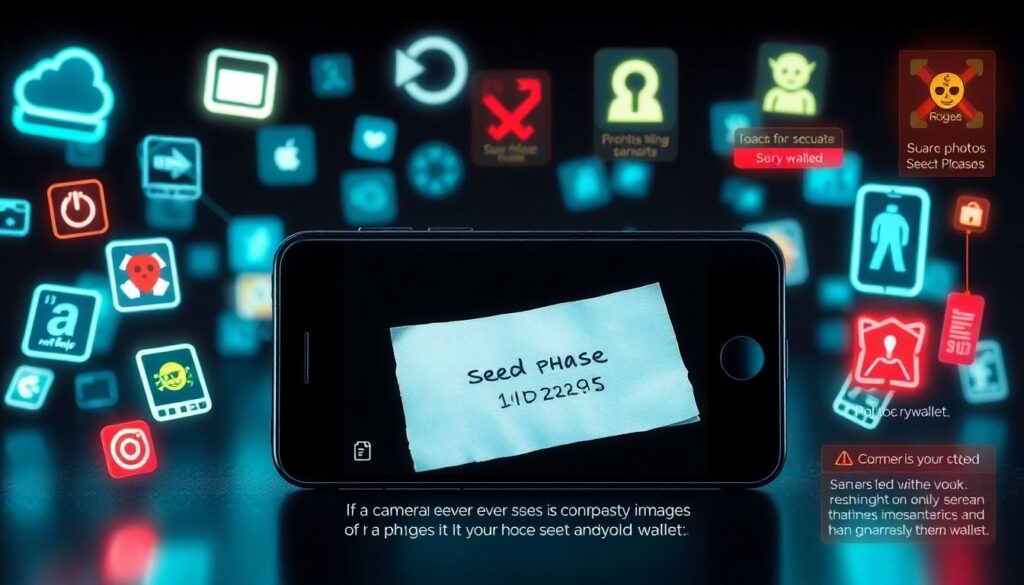
Phone backups, cloud sync, chat apps — all love to copy your images everywhere.
Malware and rogue apps also love to scan images for recognizable seed phrase formats.
If a camera ever sees your seed phrase, assume it’s compromised.
Treat it as training only and generate a fresh wallet afterwards.
2. Mixing “convenience” with “cold storage”
People say “this is my long‑term cold wallet” — and then:
– Keep the seed in their email
– Log into sketchy DeFi sites every day
– Reuse the same computer for torrenting or clicking random links
Cold storage means:
– Keys are never exposed to an internet‑connected device in plaintext.
– You rarely, if ever, move funds.
– You have a strong, boring process.
If you’re active in DeFi, use a small hot wallet for experiments and separate cold wallets for savings.
3. Putting all trust in one person
“Only my friend/partner/lawyer knows where my backup is” sounds simple — until that person becomes unreachable or hostile, or simply forgets.
For meaningful amounts, design a plan that does not rely on any one person’s memory or goodwill.
You can introduce redundancy at the people level just like at the storage level.
Step 8. Consider advanced backup methods (only if you need them)
If you’re managing higher sums or a small business treasury, basic methods might feel insufficient.
Multi‑sig wallets
Multi‑signature wallets require M‑of‑N keys to move funds (e.g., 2 of 3, 3 of 5).
Benefits:
– A single stolen seed phrase or lost device doesn’t automatically destroy you.
– You can store keys in different cities, institutions, or with different people.
Downside: more complexity and more careful documentation.
Always test multi‑sig recovery with small amounts first.
Shamir’s Secret Sharing and seed splitting
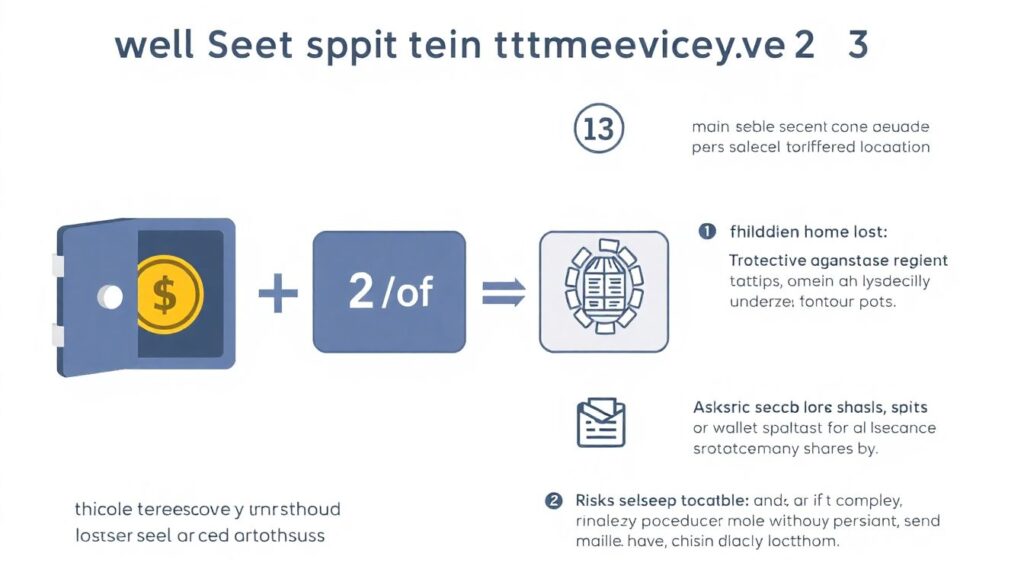
Some wallets allow splitting your seed into several shares, where only a subset is needed to reconstruct it (for example, 2 of 3).
This protects against a single compromised location, but:
– Recovery procedures are more complex.
– If you lose too many shares, you’re done.
These techniques are powerful but unforgiving. Don’t use them just because they sound cool. Use them if your risk and capital justify the extra operational burden.
Step 9. Keep your plan alive: updates and reviews
Backups are not “set and forget” forever.
When to update your backups
You should review and possibly update whenever:
– You create a new main wallet or migrate funds.
– You change hardware wallet vendors or wallet standards.
– You move to a new house, change safe deposit boxes, or adjust your will.
– A location becomes less secure (break‑in, divorce, roommate moves in, etc.).
At least once a year, sit down and walk through your own instructions as if you were helping a friend.
Ask: “If I vanished today, could someone competent follow this and get access safely?”
Putting it all together: a practical 7‑step checklist
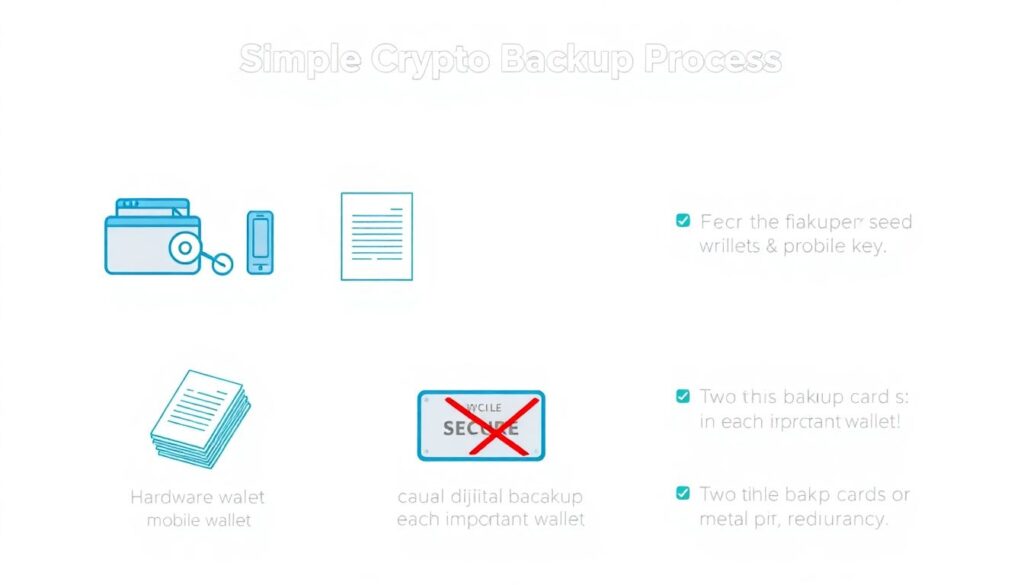
To wrap it into a simple process, follow this numbered list as your action plan:
1. List all your wallets and identify which seed phrases/private keys matter.
2. Choose backup media (paper/metal, avoid casual digital) appropriate to the value stored.
3. Create at least two backups of each important seed phrase in different physical locations.
4. Document a recovery plan in plain language, without exposing the actual seeds.
5. Test a full restore from your backup for at least one wallet.
6. Fix any weaknesses found (unclear notes, single location, missing passphrase info).
7. Set a recurring reminder (e.g., once a year) to review and update your setup.
Along the way, treat your setup as something you might need to explain to a future you who has slept badly, is stressed, and hasn’t touched crypto in months.
If that future you can follow your instructions, you’re on the right track.
And if you’re managing larger holdings, or company funds, don’t hesitate to look at professional crypto backup solutions for investors and enterprise cryptocurrency backup and security services. The costs are often trivial compared to the risks.
The end goal is simple:
No matter what happens — broken phone, lost laptop, house fire, or new device — you can calmly restore your wallets without panic, guesswork, or dependence on luck.