

A practical guide to choosing a crypto tax software solution tailored for beginners
When you first realize you have to pay taxes on your crypto, the instinct is often: “Just tell me which app to buy.” Unfortunately, there is no single “magic” app that fits everyone. The best crypto tax software for beginners is the one that matches your exact mix of exchanges, chains, risk tolerance, budget and the way you like to think about money. This guide walks you through that decision in practical, non‑fluffy terms, but in a way that you can follow even if you still confuse FIFO with FOMO.
—
Understanding what “crypto tax software for beginners” actually means
Why “beginner” is about complexity, not intelligence
“Beginner” in this context does not mean “not smart.” It means you probably have one or more of these traits: limited experience with tax forms, fragmented wallets and exchanges, and no desire to read 100‑page IRS guidance. crypto tax software for new investors has to hide a lot of technical noise while still giving you correct numbers. A good tool should translate weird on‑chain activity into familiar tax concepts like “income,” “capital gain,” and “cost basis.” Under the hood it runs complex reconciliation logic, but the surface should feel like checking a bank statement, not reverse‑engineering a protocol.
Core capabilities your software must have (even if the website barely mentions them)
At a minimum, easy to use cryptocurrency tax software for a novice needs to ingest your data reliably, normalize it, classify it, and export it in a format your tax authority or accountant accepts. If an app cannot automatically pull data from your main exchanges and wallets via read‑only API keys or CSV uploads, you will quickly drown in manual edits. It should understand spot trades, basic margin, staking rewards, airdrops and simple DeFi use cases without forcing you to hack around their categories. Finally, exports to standard forms, summary PDFs and accountant‑friendly reports are non‑negotiable if you want to avoid last‑minute chaos.
—
Preparing your toolkit before you even pick a platform
Necessary tools and information you should gather
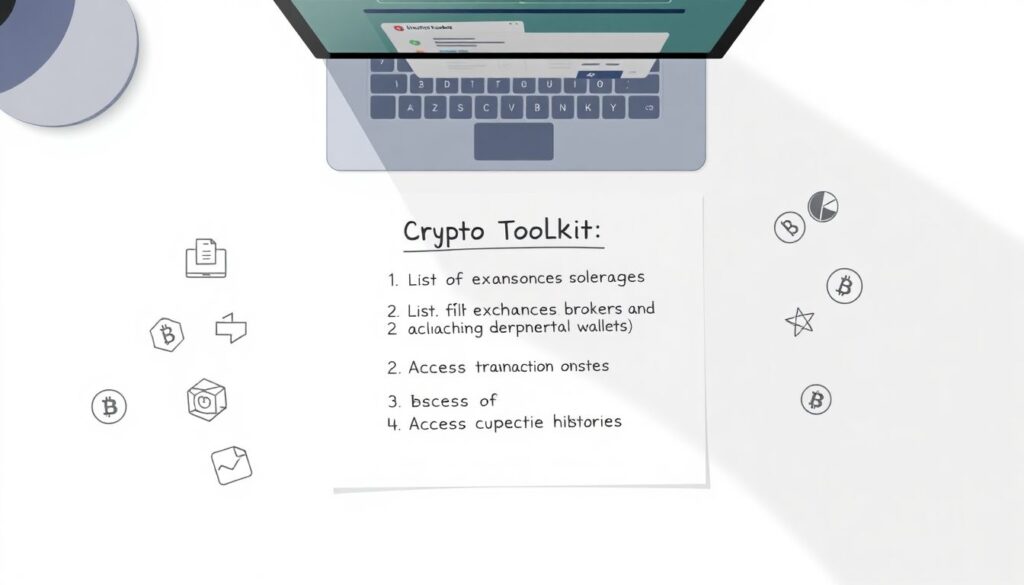
Before you start testing any beginner friendly bitcoin tax software, collect a minimal “toolkit” so you are not guessing later. First, create a list of all exchanges, brokers and non‑custodial wallets you have ever used, including dormant ones. Second, prepare access to their transaction histories: API keys with read‑only permissions, CSV export instructions, and seed phrases stored securely for wallets (for connection, not for sharing). Third, note your home tax jurisdiction and whether you file alone or with a partner; different countries treat staking, NFTs and derivatives very differently, and software often targets specific regions. Having this info ready lets you test tools quickly and consistently instead of jumping back and forth.
Optional but powerful “meta‑tools” beginners usually skip
Here is a slightly unconventional move: set up a lightweight tracking spreadsheet or notebook before choosing any app. In one column, list your assets and platforms; in another, approximate acquisition dates and rough amounts. This document becomes your “control ledger” to sanity‑check whatever the software outputs. Another non‑obvious tool is a burner portfolio: create a small test account on one exchange and perform a controlled set of trades (for example, buy, sell, transfer between wallets). Later, you can feed only this test data into multiple crypto tax platforms to see who reconstructs the story correctly. This gives you a repeatable benchmark without risking your real data.
—
Step‑by‑step process to select the right beginner‑oriented tool
Designing a practical evaluation workflow
Instead of randomly installing apps until something “feels” right, treat picking crypto tax software like a mini‑project. The aim is not to find a perfect tool, but to find one whose weaknesses you understand and can live with. To do that, you want a structured evaluation that includes functionality, cost, transparency and how well it handles your weirdest edge case. Think like a tester: assume every platform will have bugs; your job is to find which ones are manageable.
1. Shortlist candidates intelligently
1. Start from your own stack
Begin by listing software that explicitly supports your country and your main exchanges, chains and wallets. If you trade mostly on two centralized exchanges and hold some coins in a browser wallet, filter out tools that focus only on on‑chain analytics or only on a single country. Search phrases like “best crypto tax software for beginners in [your country]” and cross‑check vendor documentation, not just marketing blurbs.
2. Check supported integrations
Visit each candidate’s integrations page and look for your exact platforms and chains, not just generic labels like “DeFi support.” If the site shows “CSV only” for the platform where you did most of your trading, mark that as a yellow flag. Not a deal‑breaker, but it means more manual work and more room for human error when importing and reconciling files.
3. Filter by pricing model and limits
Pay attention to transaction limits per plan. cheap crypto tax software for small investors may look attractive, but if you did a thousand micro‑trades, a plan capped at 200 transactions will either force you into an expensive upgrade or truncate your history. Also check whether the cost is per tax year and whether they charge extra for amended returns or accountant access.
2. Run a “test year” before committing
4. Use the same data set on every platform
Take one tax year—ideally the most complex one you have—and export all relevant CSVs and APIs. Import exactly the same set into each shortlisted tool. Do not simplify your behavior to suit the tool; your real mess is what you will have to file on. This controlled comparison reveals how each software handles deposits mis‑tagged as income, internal transfers, and chain bridges.
5. Inspect how the software classifies edge cases
After import, review how it treated staking, rewards, airdrops, NFT mints or liquidity pool interactions. A genuinely easy to use cryptocurrency tax software should either classify these correctly or clearly flag them for review with comprehensible labels. If you see many “unknown” or “unmapped” transactions, or you must read developer‑level docs to fix them, consider that a red flag for a beginner.
6. Diff the outputs against your “control ledger”
Compare realized gains, total deposits and withdrawals against your manual spreadsheet or notes. You do not need perfect penny‑level matching, but glaring discrepancies signal either mis‑classified transfers, duplicate imports or missing data. Each tool will disagree slightly on cost‑basis methods or fee allocations; focus on whether you can trace and understand those differences via their explanations and logs.
3. Stress‑test usability and support
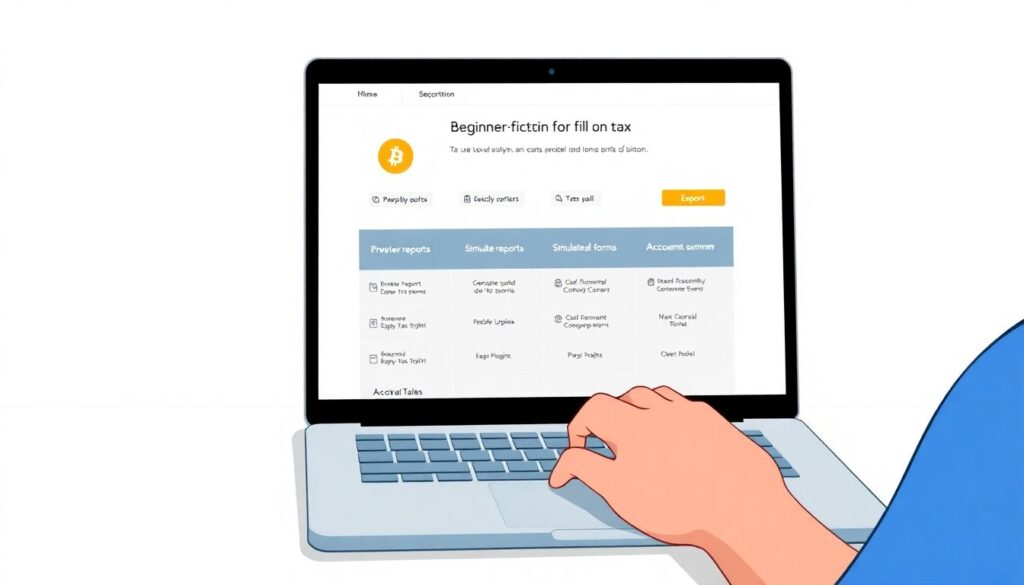
7. Walk through the full filing flow
Even if you are not filing today, walk the software all the way through to the export step. Generate preview reports, simulated tax forms and accountant summaries. beginner friendly bitcoin tax software should not bury essential options behind jargon or dark‑pattern paywalls. Notice where you feel lost: if the “help” icons use tax‑bureau language instead of plain explanations, daily use will be painful.
8. Probe support channels with realistic questions
Send support a couple of moderately complex questions based on your data: “Why are these transfers taxable?” or “How do I mark internal wallet moves?” You are evaluating more than response time; you want clarity, willingness to admit limitations, and actionable workarounds. Genuine crypto tax software for new investors will have documentation and support tailored to people who are still learning both crypto and tax, not just enterprise accountants.
—
Non‑obvious strategies to reduce pain and cost
Use a hybrid stack instead of one monolithic tool
A surprisingly effective pattern is to combine a specialized portfolio tracker with a simpler tax calculator, instead of trying to make one app do everything. Let the tracker maintain clean, labeled transaction histories all year, with tags for internal transfers, experimental wallets and testnets. At tax time, export a cleaned, normalized feed into your chosen tax software. This reduces the chance that your tax tool misreads experimental DeFi operations, because you have already filtered and annotated them upstream, leaving only economically relevant activity to be taxed.
Rent expertise for one hour instead of overpaying forever
Another unconventional but efficient move: in your first complex year, buy a reasonably priced software plan, then book a one‑hour session with a crypto‑literate accountant and share your screen. Ask them to check cost‑basis settings, country‑specific treatment of staking or airdrops, and your export format. That single hour may save you years of repeating the same mistakes or buying the wrong tier. After this calibration, you can usually handle subsequent years yourself using the same configuration in the software, with far less anxiety and without recurring high advisory fees.
—
Troubleshooting common problems when using beginner tools
When your numbers look obviously wrong
A frequent panic moment: after import, the platform shows a massive gain or loss that you know is impossible. Instead of assuming the software is “trash,” debug systematically. First, filter by “unknown” or “unmatched” transactions; these often represent internal transfers being misinterpreted as deposits or disposals. Second, check for duplicate imports caused by loading both API and CSV for the same exchange. Third, confirm your base currency and tax year boundaries are set correctly; mismatches here can distort realized gains dramatically. Well‑designed crypto tax software for new investors will offer reconciliation views that help you see which wallets or exchanges contribute to the anomaly.
Dealing with unsupported chains, NFTs and exotic DeFi
No mainstream tax app fully understands every new protocol the week it launches. When your favorite platform shows “unsupported” for a chain, consider partial workarounds instead of abandoning it entirely. You can often export raw on‑chain data using a block explorer, then aggregate only economically meaningful events in a spreadsheet: purchases, sales, rewards and disposals. That distilled summary can be entered as a few manual transactions or as a simplified CSV into your chosen app. It is not perfect, but for modest experimental positions, this controlled approximation is usually more accurate than pretending those assets do not exist in your tax return.
Avoiding annual “data archaeology”

The most painful troubleshooting is trying to reconstruct missing records years later. As a preventative measure, lock in a simple operational ritual: every month or quarter, export transaction histories from major exchanges and wallets and store them in an encrypted archive. Even if your current provider vanishes or changes pricing, you retain a canonical history for any future tool. That discipline means that next time you change from one best crypto tax software for beginners candidate to another, you can re‑import clean historical data in minutes instead of spending weekends hunting old emails and resetting dead accounts.
—
Final thoughts: think in systems, not products
Instead of obsessing over which brand is objectively the best, think in terms of a small system that works for you: a way to keep records during the year, a way to translate them into tax language, and a fallback plan for the weird stuff no software understands yet. Choose one tool that handles 80–90% of your activity reliably, and accept that the last 10–20% may need manual work or accountant input. With a small amount of structure and a willingness to experiment with these non‑standard tactics, you can turn a messy trading history into a defensible tax position—without needing to become a full‑time tax professional or a blockchain engineer.