
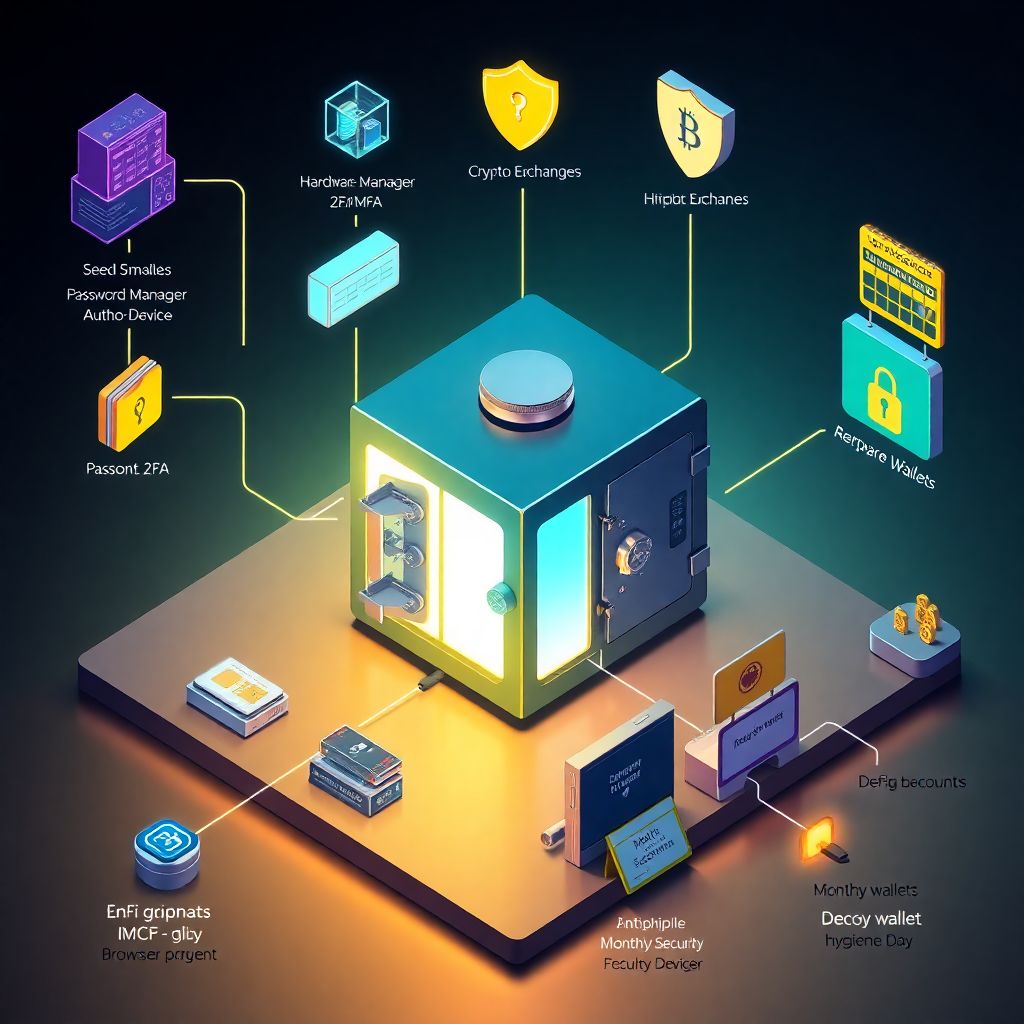
Why crypto authentication deserves more paranoia than your email
Most people treat their crypto login like a slightly more important social media account.
That mindset is how coins disappear.
Unlike a bank account, there’s no “call support and reverse the transaction.”
Once funds leave your wallet, they’re gone. That’s why the best secure crypto wallet authentication methods feel a bit over‑the‑top compared to usual web security.
In this guide, we’ll walk step by step through building a layered, practical setup. I’ll also point out common traps, and suggest a few slightly unusual tricks that actually work in the real world.
—
Step 1. Map out what you’re actually protecting
Different accounts, different risk levels
Before talking about passwords and devices, clarify what you own:
– Personal wallets (self‑custody, seed phrase under your control)
– Accounts on exchanges and brokers
– DeFi wallets and dApps (MetaMask, Phantom, Rabby, etc.)
– Enterprise or team‑managed wallets (treasuries, trading desks, DAOs)
Each category needs its own protection level. Your “coffee money” trading account doesn’t require the same ritual as a long‑term cold storage vault.
Newbie tip:
Don’t try to secure everything at “maximum” from day one. It usually leads to chaos, lost devices and, ironically, weaker security.
—
Step 2. Build an unbreakable foundation: identity and passwords
Stop reusing your email and password everywhere

Your email is the gateway to almost every crypto account you own. If someone owns your mailbox, they can reset exchange passwords, approve logins, and potentially bypass weak 2FA.
Do this first:
1. Create a dedicated email for crypto only.
Not your “10‑year Gmail with all your life inside.” Something separate, boring, and unknown.
2. Use a password manager.
Bitwarden, 1Password, KeePassXC — pick one, learn it, store *long* random passwords only.
3. Use a passphrase, not a password, for the master key.
For example: `sphinx-yellow-meteoric-coffee-ladder-violin`.
Don’t use quotes, song lyrics, or anything that’s ever been online.
Warning:
If your password manager master password is weak, all further security is theater. Fix this first.
—
Designing passwords for crypto accounts
For each crypto exchange, wallet service, or DeFi dashboard:
– Generate passwords at least 20–24 characters long
– Avoid meaningful words; use random generators
– Store them only in the password manager, not in browser autofill
Unusual trick:
For your *most critical* accounts, combine:
– A long random string generated by your manager
– Plus a short “mental suffix” that only you know and type manually
So even if your manager is compromised, the attacker still doesn’t have the full password.
—
Step 3. Two‑factor, multi‑factor, and what actually works
What is strong 2FA, really?
People hear “2FA” and assume they’re safe because an SMS arrives. Unfortunately, attackers love SMS, SIM‑swaps, and poorly secured phone numbers.
Robust multi factor authentication services for crypto platforms usually rely on:
– Time‑based one‑time passwords (TOTP apps)
– Hardware security keys (FIDO2, U2F like YubiKey or SoloKey)
– Push‑based authentication *with* phishing protection (e.g., passkeys, WebAuthn)
Try to avoid:
– SMS codes as primary protection
– Email‑only prompts
– “Security questions” that can be answered from your social media
—
Safer options for exchanges and custodial platforms
Most major platforms already support secure options. A good crypto exchange two factor authentication setup could look like this:
1. Strong, unique password stored in a password manager
2. TOTP app (Aegis, Authy, Raivo, FreeOTP, etc.) or hardware security key
3. Anti‑phishing phrase or login verification words (Binance, Kraken, etc. offer these)
4. Withdrawal address whitelists (locked behind a cooldown period)
Newbie tip:
Set 2FA for login *and* withdrawals. Many people protect login but leave withdrawals open once inside the account.
—
Non‑standard but effective idea: dedicated 2FA device
Instead of putting your authenticator app on your everyday phone:
– Use a cheap, separate smartphone with no SIM
– Keep Wi‑Fi off by default, enable only when absolutely needed
– Install only the authenticator app and your password manager (if really necessary)
This turns your 2FA device into a semi‑offline token.
If your main phone is stolen or infected with malware, your codes stay safe.
—
Step 4. Hardware wallets: treating your keys like plutonium
Why hardware beats software for serious money
A hardware wallet for secure bitcoin login (or any other chain) keeps your private keys on a dedicated chip that never directly touches your computer’s memory.
Even if your laptop is compromised, the attacker can’t just copy your keys.
For long‑term holdings, hardware is non‑negotiable. Software wallets are fine for small, experimental amounts or DeFi play money, but not for your main stash.
—
Setting up a hardware wallet the paranoid way
When you buy a hardware wallet:
1. Purchase only from the official store or a vetted distributor.
No Amazon resellers, no marketplaces with shady discounts.
2. Initialize the device yourself.
If it arrives with a “pre‑printed seed,” it’s a trap. Legit devices never come with pre‑filled words.
3. Generate the seed phrase offline.
No cameras, no “photo just in case,” no cloud sync of notes.
4. Write your seed phrase on paper — then *immediately* make a second backup.
Store them in separate physical locations.
5. Add a passphrase (25th word) if supported.
This creates a hidden layer — even if someone gets your seed, they still need the passphrase.
Warning:
A passphrase is not a PIN. Lose it, and even with the seed you can’t restore the wallet.
Document the existence of the passphrase (without writing the actual phrase) in your inheritance/backup notes.
—
Unusual twist: “decoy wallet” strategy
Many hardware wallets support multiple accounts or passphrases. You can:
– Maintain a small “visible” wallet with minor funds
– Keep the main stash behind a separate passphrase and account
If you ever face coercion (for example, robbery or forced access), you can reveal the small wallet while the main one remains undiscovered.
This scenario is rare, but planning for it costs almost nothing.
—
Step 5. Non‑custodial wallets and DeFi: the wild west
Browser extensions: convenient but dangerous
Wallet extensions like MetaMask, Phantom, or Keplr are comfortable, but they live in your browser — the same place where:
– You install random plugins
– You click mysterious links
– You auto‑log into everything
To reduce risk:
1. Use a separate browser profile only for crypto. No random browsing, no email.
2. Disable unnecessary extensions in that profile.
3. Connect your browser wallet to a hardware wallet whenever possible.
Newbie trap:
Malicious pop‑ups can request permissions that effectively “give full control.” Always re‑read what you sign. If the transaction description looks empty, odd, or overly broad, stop.
—
“Air‑gapped” solutions without going full tinfoil
You don’t need a bunker to set up safer signing:
– Use a hardware wallet that supports QR‑based signing (you scan transactions instead of USB)
– Keep a small, always‑online wallet for experiments, and a truly “sleeping” wallet for long‑term storage
Think of it like having a checking account versus a time‑locked savings account.
Unusual idea:
Schedule a “DeFi hygiene day” once a month:
– Revoke old token approvals (using tools like Revoke.cash)
– Empty dusty wallets into a more secure one
– Remove apps and bridges you no longer use
It’s boring maintenance, but it quietly saves people from future exploits.
—
Step 6. Enterprise crypto account security: when it’s not just your money
Why business setups must avoid “single hero” wallets
For companies, DAOs, or trading desks, “the CTO holds the hardware wallet” is a disaster waiting to happen.
Robust enterprise crypto account security solutions typically use:
– Multi‑sig wallets or MPC (multi‑party computation)
– Role‑based access: traders, approvers, auditors all have different permissions
– Threshold approvals (e.g., 2 of 3 signatures needed to move funds)
This isn’t just bureaucracy. It prevents a single compromised laptop — or a single rogue employee — from draining the treasury.
—
Practical, human‑friendly enterprise setup
A realistic small‑team pattern:
1. Use a reputable custodial platform or wallet infrastructure provider that supports:
– Hardware key support
– Policy‑based approvals
– API keys with scopes and rate limits
2. Give decision‑makers hardware keys with strong passphrases.
3. Store “nuclear” backup keys in offline safes or professional storage.
4. Regularly simulate a “key lost” scenario and test your recovery process.
Unusual but effective practice:
Rotate who *can* sign transactions on a schedule. Not because you don’t trust people, but because it forces you to test access controls and keeps institutional memory fresh.
—
Step 7. Handling backups and recovery without shooting yourself in the foot
The paradox: safe from hackers, but not from fire or forgetfulness
Many crypto losses don’t come from hackers, but from:
– Lost seed phrases
– Thrown‑away devices
– “I’ll remember the passphrase, it’s easy”
You must design for both security *and* survivability.
—
Simple but resilient backup plan
1. For each critical wallet, have at least two backups of the seed.
2. Store in physically separate places (home safe + bank safe deposit box, for example).
3. Never store seeds or private keys in cloud storage, email, or messaging apps.
Numbered reality checklist:
1. If I disappear tomorrow, can my heirs access my funds *without* my help?
2. If my house burns down, do my backups survive?
3. If my main device fails, can I restore access within 24–48 hours?
4. If someone finds *one* backup, will they immediately get full access?
If you answer “no” or “I don’t know” to any of these, refine the plan.
Unusual idea:
Write a non‑obvious “recovery instruction letter” using non‑technical language, stored with your legal documents. It can mention where to find seed backups and who can help (e.g., lawyer, trusted tech friend), without revealing the actual keys.
—
Step 8. Protecting yourself from phishing and social engineering
Attackers don’t hack you, they talk you into opening the door
Most successful crypto thefts don’t involve super‑advanced exploits. They rely on:
– Fake wallet websites
– Support impersonation
– Airdrop scams and malicious tokens
– “Urgent security updates” with malware links
To protect yourself:
– Bookmark official sites and use only those bookmarks
– Never give seed phrases or private keys to *anyone* claiming to be “support”
– Be suspicious of urgency: “you have 2 hours or your funds are gone” is usually a lie
Newbie warning:
No legitimate service will ever ask for your seed phrase to “help you recover” or “invest on your behalf.” As soon as someone asks: conversation over.
—
Unusual anti‑phishing defense: the “5‑minute rule”
Make a personal rule:
> Any transaction or wallet change above X dollars must wait at least 5 minutes.
What to do in those minutes:
– Re‑read the URL carefully
– Confirm address on hardware wallet screens
– Double‑check with a second device (phone vs computer)
– Ask a trusted friend to sanity‑check if you’re unsure
Those 5 minutes are where a lot of “I almost got scammed” stories are born — in a good way.
—
Step 9. Putting it all together: layered security in practice
Let’s assemble a realistic, strong‑enough setup that uses best secure crypto wallet authentication methods without making your life miserable.
For a typical individual user
1. Separate crypto‑only email + password manager with strong master passphrase
2. TOTP‑based 2FA (or hardware key) on all exchanges and custodial services
3. Hardware wallet for long‑term holdings, browser wallet only connected via hardware
4. Monthly “hygiene day” to review approvals, devices, and backups
5. Two physical seed backups in different safe locations
—
For an advanced or high‑net‑worth user
– Multiple hardware wallets (separate for DeFi and deep cold storage)
– Passphrases for hidden accounts
– Air‑gapped 2FA device
– Split‑seed or Shamir backups (only if you fully understand the trade‑offs)
– Documented inheritance plan, tested discreetly
—
For teams and organizations
– Enterprise platform with multi‑sig or MPC
– Role‑based access, mandatory dual approvals for high‑value transfers
– Hardware keys issued and tracked like corporate badges
– Regular security drills and access reviews
– External security advisor to audit processes annually
—
Final thoughts: treat authentication as a living system
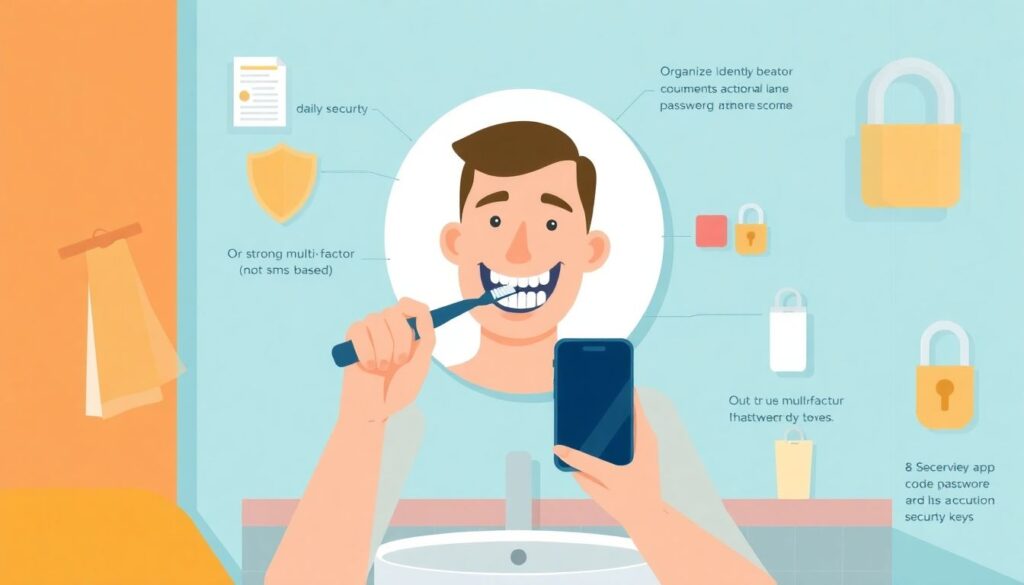
Security isn’t a one‑time ritual you perform and forget. It’s more like brushing your teeth: small, regular actions that prevent painful disasters later.
If you:
– Keep your identity and passwords in order
– Use solid multi‑factor authentication instead of trusting SMS
– Rely on hardware devices for serious funds
– Plan both for hackers *and* for accidents
– And accept a little friction as the price of owning digital money
—you’re already far ahead of most users.
From there, you can experiment with more unusual protections and refine your setup over time. The key is simple: no single point of failure, and no secret that lives in only one place or one brain.