

Why Hardware Wallets Still Matter
When you hold crypto on an exchange or in a regular hot wallet, вы basically trust that someone else won’t get hacked, make a mistake or freeze your funds. A hardware wallet flips this model: your private keys never leave a small offline device, and every transaction has to be confirmed on its screen. That extra friction is deliberate; it makes remote hacks dramatically harder. If you’re trying to figure out the best hardware wallet for cryptocurrency, it helps to think less about brand hype and more about how you actually use crypto day to day: long‑term holding, frequent DeFi, NFTs, or active trading. Each scenario pushes you toward different devices, interfaces and security trade‑offs, so the “best” choice is the one that fits your actual habits rather than abstract specs.
What You Need Before You Even Order
Before you rush to buy ledger hardware wallet online or grab the first Trezor you see, set up the basics around it. You’ll need a clean computer you control, not an office machine full of random software, plus a phone only you can unlock. A stable email account with two‑factor authentication and a password manager are almost as important as the device itself. Decide where you’ll store your recovery seed in the real world: a safe, a separate apartment, possibly a metal backup plate if your region is prone to fire or flooding. These simple “analog tools” massively increase how resilient your setup is and prevent your shiny device from becoming a single fragile point of failure.
Ledger: Convenience And Ecosystem
Ledger Nano S Plus and Nano X are popular because they combine a polished app, wide coin support and frequent updates. If you want a secure crypto hardware wallet for bitcoin and ethereum plus a long list of altcoins and NFTs, Ledger Live makes it very straightforward to buy, swap and stake directly from within one interface. The trade‑off is that Ledger is a larger commercial company with closed‑source firmware, so you rely on external audits and their track record rather than full code transparency. For most people who value simple onboarding, mobile Bluetooth support and deep integration with wallets like MetaMask, Ledger hits a sweet spot between usability and strong isolation of private keys, provided you’re disciplined with PINs and recovery phrase storage.
Trezor And Others: Transparency And Specialization
The classic comparison trezor vs ledger which is better often misses nuance. Trezor Model T emphasizes open‑source firmware and a touch screen, which makes verifying addresses and confirming transactions more intuitive, especially for beginners nervous about tiny buttons. It integrates nicely with wallets like Trezor Suite and Electrum for Bitcoin power users. On the more niche side, Coldcard leans into hardcore Bitcoin‑only security with air‑gapped workflows, while BitBox and Keystone focus on minimalistic design and QR‑based signing. If your goal is a crypto hardware wallet with best security features for multi‑sig Bitcoin or complex setups, these specialized devices might edge out the mainstream brands, but they require more patience to configure correctly. A honest assessment of how technical you want your daily life to be should drive this part of the decision.
Step‑By‑Step: First‑Time Setup In Practice
Once the box arrives, resist the urge to rush. Start by checking tamper seals, then go only to the manufacturer’s official site to download software; never follow random search‑engine ads. Power the device, choose a strong PIN that you can remember but others cannot easily guess, and let the wallet generate a new recovery seed. Write that seed down by hand on paper or metal while offline, and double‑check spelling. Most devices ask you to re‑enter words to confirm; don’t photograph or store them in the cloud. After that, connect the wallet to its companion app, create accounts for the coins you need, and do a tiny test deposit first. When that arrives, send a small amount back out, confirming every address on the device screen, so you’re comfortable with the flow before moving serious value.
Using A Hardware Wallet Day To Day
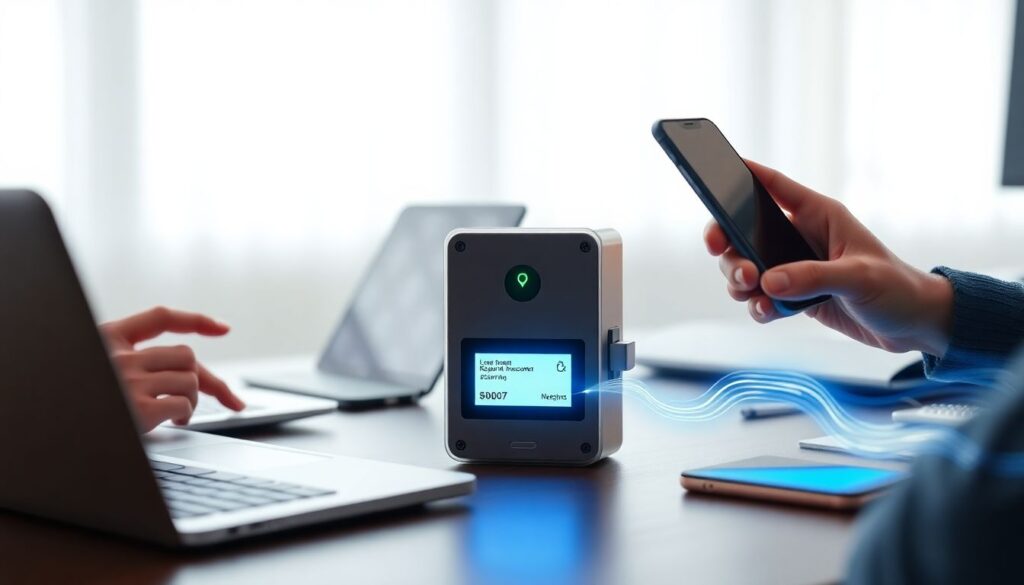
In regular use, the device acts like a locked signing box. You prepare a transaction in a desktop or mobile wallet, then the unsigned transaction is sent to the hardware wallet, which shows you the amount and address. You confirm on the device physically, and only the signed transaction returns to the computer. For DeFi and NFTs this often means pairing with MetaMask or similar tools, where the hardware wallet holds keys but the browser handles dApps. A secure crypto hardware wallet for bitcoin and ethereum feels slower than a hot wallet at first, yet that deliberate pause is exactly what gives you time to catch phishing attempts or wrong addresses. With practice, these extra seconds become routine, and the mental comfort of knowing a malware‑infected laptop can’t directly steal your funds is hard to overstate.
Common Pitfalls And How To Fix Them
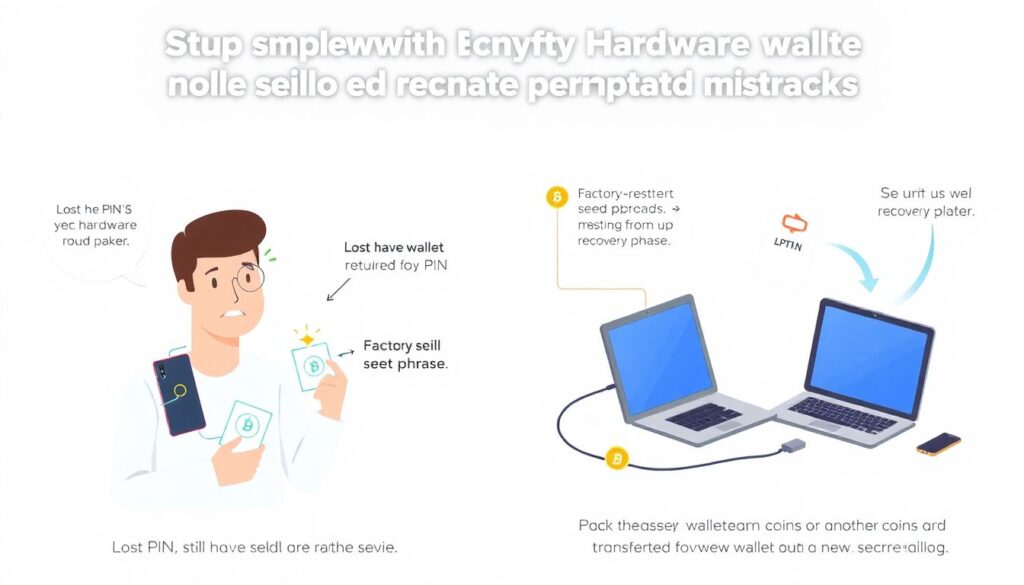
Most “problems” people hit aren’t sophisticated hacks but simple operational mistakes. Losing the PIN yet still having the seed means you just factory‑reset the device and restore from the recovery phrase; losing the seed while the device works means you should immediately set up a fresh wallet, move funds there and create a new, better‑protected backup. If the companion app doesn’t see your balance, it’s often a wrong derivation path or network setting rather than vanished coins. Firmware update failures usually resolve by trying a different USB cable or port and carefully following the vendor’s recovery instructions. Above all, never type your seed into any website or “support” chat; real troubleshooting never requires revealing it. Treat that phrase as the single key to everything, and design all your fixes around keeping it offline and legible.
Комментарии