

Why a crypto tax calculator matters for your investment plan
Most people meet tax season with a shoebox of screenshots and a sense of dread. With crypto, that chaos multiplies: dozens of trades, multiple wallets, staking, airdrops. A crypto tax calculator for investors turns that chaos into numbers you can actually plan around.
Instead of guessing “I’ll pay something like 20–30%,” you can see:
– expected capital gains tax
– how much you’ll owe if you sell now vs. in six months
– which coins to sell to free up cash with minimal tax
That’s the core idea: a calculator is not just a tax tool; it’s a planning tool.
—
Key terms you really need to understand
Capital gains, cost basis and holding period
Let’s clean up the jargon first, in plain language.
– Capital gain – profit when you sell or dispose of crypto.
You bought for $1,000, sold for $1,500 → $500 capital gain.
– Capital loss – the opposite.
Bought for $1,000, sold for $600 → $400 capital loss.
– Cost basis – what this asset “cost you” for tax purposes.
It’s usually:
purchase price + fees (exchange fee, gas fee, etc.).
– Holding period – how long you held the asset before you sold or spent it.
In many countries:
– Short-term: held less than 1 year → taxed like regular income
– Long-term: held 1 year or more → usually a lower tax rate
A good crypto capital gains tax calculator USA will automatically split your trades into short‑term and long‑term buckets, so you instantly see what changing your holding period does to your bill.
—
Other crypto tax terms that keep showing up
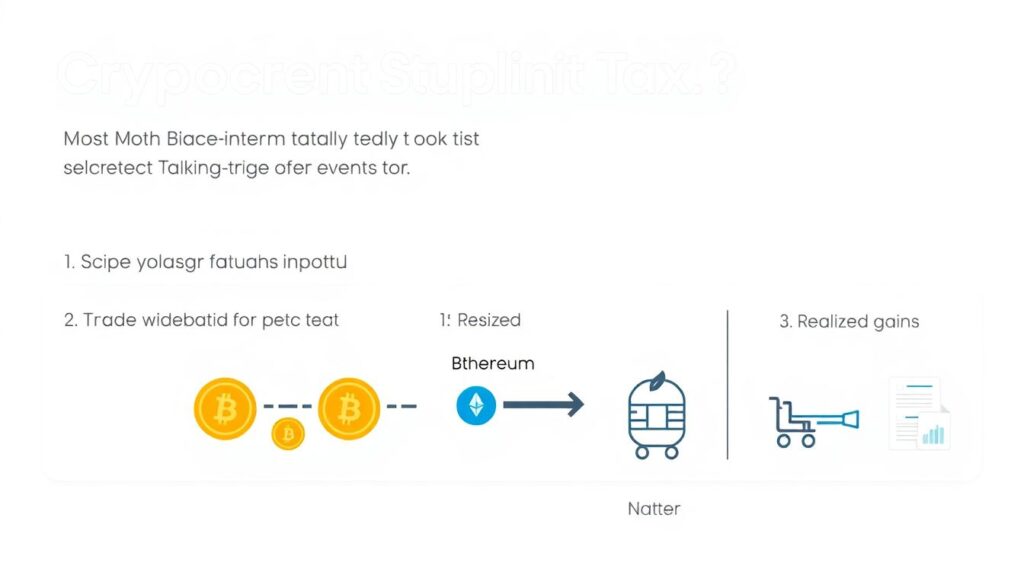
Short version: most movements of crypto either don’t trigger tax, or they set up tax events later.
– Disposal – any time you get rid of a coin for value:
– sell crypto for fiat
– trade BTC → ETH
– spend crypto on goods/services
All of these can be taxable.
– Realized vs. unrealized:
– Unrealized: value changed, but you didn’t sell – no tax yet.
– Realized: you sold/disposed – tax time.
– Like-kind transactions (often misunderstood):
In the USA, crypto‑to‑crypto trades are not tax‑free; they’re usually taxable disposals.
A crypto tax calculator quietly tracks all of this in the background so you don’t have to do it manually in spreadsheets.
—
How a crypto tax calculator actually works
Step-by-step logic under the hood
Think of your transactions going through a funnel:
1. Import
The tool sucks in data via:
– API connection to exchanges and wallets
– CSV uploads
– Manual entries for edge cases
2. Clean & match
It tries to:
– pair deposits with withdrawals
– detect transfers between your own wallets
– flag missing cost basis
3. Apply tax rules
Then it applies:
– a cost basis method (FIFO, LIFO, etc.)
– your jurisdiction’s rules (e.g., US short‑ vs long‑term gains)
– classification of income (trading vs staking vs mining)
4. Output
– reports for tax forms (e.g., 8949 in the US)
– summaries for planning (total gains, unrealized P&L, tax‑loss harvesting ideas)
In visual text form, you can picture it like this:
> Transactions
> ↓ (Import)
> Clean data & detect transfers
> ↓
> Apply tax rules (cost basis, holding periods)
> ↓
> Tax report + planning insights
—
The “diagram” view of a single trade
Let’s break a single transaction as a tiny timeline:
> [Buy ETH] → [Hold] → [Swap ETH→USDC]
> cost basis → holding period → disposal (gain/loss)
The calculator ties these three stages together:
– pulls the original buy (where cost basis is created)
– tracks days held (to decide short vs long term)
– calculates gain/loss at the moment of swap
Doing this for 5 trades is easy by hand. Doing this for 500 trades is where an automated crypto portfolio tax calculator online starts earning its keep.
—
What beginners usually get wrong (and how to avoid it)
Frequent mistakes that break your numbers
New investors tend to repeat the same painful errors. Here are the big ones:
– Mixing “wallet to wallet” with “buy/sell”
They treat a simple transfer between their own wallets as taxable income or a trade.
– Ignoring fees
Network and exchange fees affect cost basis and gains. Skipping them can distort your tax bill.
– Missing wallets/exchanges
They only import their main exchange and forget that one DeFi wallet from last spring – which ruins accuracy.
– Thinking “no cash out = no tax”
Trading BTC → SOL → ETH may trigger multiple taxable events, even if you never touched fiat.
– Not backing up records
Exchanges shut down, APIs change, CSV formats break. Without exports, reconstruction later is painful.
—
Mistakes specific to using a calculator
The tool can only be as smart as the data and settings you feed it.
Common “tool‑side” mistakes:
– Choosing the wrong country or tax rules in settings
– Leaving the default cost basis method without checking if it matches your local rules
– Not reviewing the “warnings” page (missing prices, duplicates, mis‑tagged transactions)
– Forgetting to mark:
– internal transfers
– airdrops
– staking rewards
correctly
If you treat every incoming transaction as “buy” and every outgoing as “sell”, you’ll end up with completely fictional gains.
—
How to calculate crypto taxes for investment planning (not just filing)
Using a calculator before you trade, not after
You can absolutely use a crypto tax calculator for investors in “what‑if” mode, not only at year‑end.
Basic process:
1. Sync everything now
Import all current wallets and exchanges even if tax season is months away.
2. Check your current unrealized state
– total cost basis per coin
– current market value
– unrealized gain/loss
3. Run hypothetical scenarios
Some tools let you:
– duplicate your portfolio
– simulate: “What if I sell all my short‑term positions?”
– compare: hold 3 more months vs. sell now
4. Align with your investing plan
Use these numbers to:
– decide which coins to trim
– plan tax‑loss harvesting
– avoid surprise tax bills you can’t pay
This is the real answer to how to calculate crypto taxes for investment planning: you don’t wait for your accountant; you use the calculator routinely as part of your portfolio review.
—
Example: should you sell now or later?
Imagine:
– You bought 1 ETH at $1,500 six months ago.
– ETH is now $2,500.
– Your short‑term tax rate is 32%, long‑term would be 15%.
The calculator shows:
– If you sell now:
– Gain: $1,000
– Tax (short term): $320
– Net after tax: $2,180
– If you hold 6 more months (assuming same price, just as a planning baseline):
– Gain: $1,000
– Tax (long term): $150
– Net after tax: $2,350
So by not rushing, you might keep $170 more, assuming price doesn’t move dramatically.
A good tool surfaces this kind of trade‑off for you across the entire portfolio, not just one coin.
—
Choosing the best crypto tax software for beginners
What matters more than fancy dashboards
If you are new, look for:
– Automatic integrations
Direct APIs with your main exchanges and blockchains.
– Clear transaction classification
Easy ways to label:
– transfers
– staking rewards
– airdrops
– mining income
– Simulation / planning features
Some calculators show “tax impact if you sell X today”.
– Jurisdiction support
If you’re in the US, you want explicit support for US forms and rules; if not, you still want country‑aware settings.
For a genuine beginner, the best crypto tax software for beginners is the one that:
– explains concepts inside the UI
– warns you about common mistakes
– doesn’t require you to know every tax rule up front
—
Comparing to spreadsheets and manual accounting
You might wonder: “Why not just use a spreadsheet?”
Spreadsheets are:
– flexible
– free
– transparent (you see every formula)
But once you have:
– multiple exchanges
– hundreds of trades
– DeFi interactions
…manual tracking becomes dangerous.
Text‑based comparison:
> Spreadsheet
> + Full control, no subscription
> – Time‑consuming
> – Easy to mis‑type or mis‑sort
> – Harder to import data
> – Very weak for simulations
> Crypto tax calculator
> + Automated imports
> + Built‑in tax rules
> + Warnings for obvious errors
> + Easier year‑over‑year tracking
> – Subscription cost
> – You must learn the interface
For a serious investor, a crypto portfolio tax calculator online lets you spend your brainpower on strategy instead of reconciling CSVs at 2 a.m.
—
Basic workflow: using a calculator from zero
Step 1. Collect your data (yes, all of it)
Short paragraph first:
Resist the urge to “start with just this one exchange.” Incomplete data equals unreliable tax estimates.
Gather:
– All exchanges you used (even once)
– All wallets (hot, cold, mobile)
– DeFi addresses on major chains you’ve used (Ethereum, Polygon, etc.)
– Past CSV exports if an exchange has closed or API is broken
If you have multiple accounts on one exchange, include each.
—
Step 2. Connect and import
Then:
1. Set your country and tax year in settings.
2. Connect via APIs where possible.
3. Import CSV files for older transactions or unsupported platforms.
4. Enter manual entries for odd cases (OTC deals, private loans, etc.).
At this stage, most software will show an overview plus a warning list: missing prices, unlinked deposits, unknown tokens.
—
Step 3. Clean and classify transactions
This is where beginners often rush, then regret it.
Go through the transaction list and:
– Mark internal transfers between your own wallets
– Confirm labels like:
– “Reward” for staking
– “Airdrop” for freebies
– “Income” for mining or payment for services
Watch out for:
– Incoming transfers mislabeled as “buy”
– Outgoing transfers mislabeled as “sell”
– Duplicated imports (same account via API and CSV)
This cleanup pass is what turns “noisy blockchain history” into a usable tax history.
—
Step 4. Review gains, losses and income
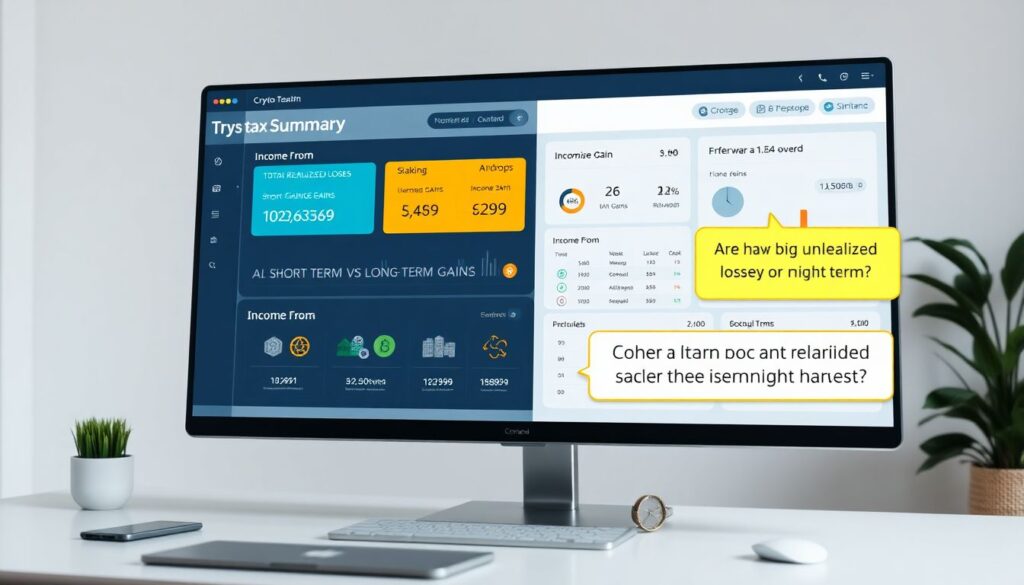
Once the data looks sane, open the summary.
You should see:
– Total realized gains/losses
– Short‑term vs long‑term gains
– Income from:
– staking
– mining
– airdrops
– referrals or rewards
Use this view to ask:
– Are my gains heavily short‑term?
– Do I have big unrealized losses I might harvest?
– Is staking income adding a lot to my taxable income?
This is already useful even before you export any official tax reports.
—
Step 5. Use it as a planning dashboard
To actually do how to calculate crypto taxes for investment planning, not just reporting, make it part of your routine:
– Check it once a month along with your portfolio tracker.
– Before big reallocations, run a simulation or at least eyeball the tax impact.
– Before year‑end, explore:
– selling losers to offset gains
– delaying profitable sales into next tax year
– shortening your list of platforms to simplify next year
Used this way, the calculator becomes a feedback loop between trading and taxes.
—
Special cases that confuse beginners
Staking, DeFi, and “weird” movements
Not every movement of coins is a trade.
Short examples:
– Staking rewards: usually taxed as income when received, then create their own cost basis for future disposals.
– Liquidity pool tokens: depositing tokens into a pool may be treated as a swap (depends on jurisdiction), not just a “deposit”.
– Bridging: moving from one chain to another is often non‑taxable if it’s just you moving your own assets, but must be recognized by the calculator as such.
If your calculator mis‑tags these, you may report far too much income or gains. This is why careful classification matters more than beginners expect.
—
Airdrops and rewards
Another classic beginner confusion:
“Free coins = no tax, right?” Often wrong.
In many countries:
– Airdrops and referral rewards are taxed as income at the time you receive them (market value then).
– Later, when you sell them, you get a capital gain/loss compared to that initial value.
A good calculator records both:
– income at receipt
– capital gain at disposal
So you don’t pay tax twice on the same number, but you *do* account for both tax layers.
—
When a dedicated US calculator is worth it
If you’re in the States, it’s worth using a tool that explicitly brands itself as a crypto capital gains tax calculator USA or at least has strong US support.
That usually means:
– Automatic splitting of short‑term vs long‑term gains
– Mapping to IRS forms (Form 8949, Schedule D, Schedule 1, Schedule C for business)
– Handling US‑specific quirks like wash sale discussions (even though wash sale rules don’t clearly apply to crypto yet, some tools offer simulations)
This doesn’t replace a CPA, but it allows you to show a clean, structured export instead of a messy export of your exchange trades and a hope that someone can make sense of it.
—
Practical checklist for beginners
To wrap it up, here’s a concise checklist you can keep handy.
Before you choose a calculator
– Do I know which exchanges and wallets I actually used?
– Does the tool support my country and my platforms?
– Can it import via both API and CSV if needed?
When you start using it
– Set country, currency and tax year correctly.
– Import everything from day one of your crypto activity.
– Clean up transaction labels and resolve warnings.
For ongoing investment planning
– Check gains/losses monthly.
– Before big portfolio moves, estimate tax impact.
– Use unrealized P&L and holding periods to decide what to hold vs sell.
If you avoid the classic beginner mistakes — partial imports, mis‑tagged transfers, and “I’ll deal with this in April” thinking — a crypto tax calculator becomes a core part of your investing toolkit, not just a stress button you smash at the end of the year.