
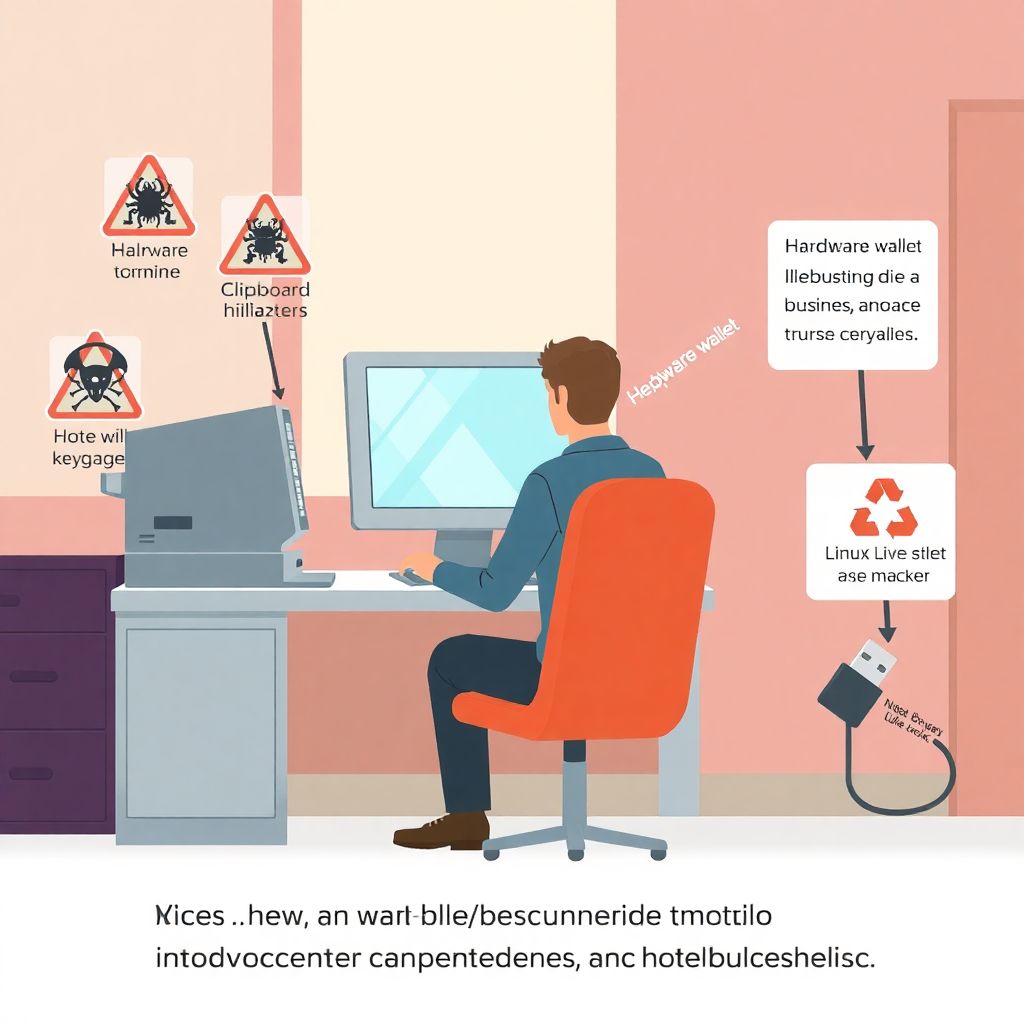
Understanding the Risks of Shared Devices

Using shared devices—whether in coworking spaces, libraries, or even among trusted friends—introduces a unique set of security vulnerabilities when it comes to managing cryptocurrency. Unlike personal devices, shared systems often lack proper configurations, can be compromised with keyloggers or malware, and may be used by individuals with varying levels of digital hygiene.
In April 2023, a Reddit user reported losing over $2,500 in Ethereum after accessing his wallet from a hotel business center PC. Post-incident analysis revealed that the computer was infected with clipboard hijacking malware that swapped copied wallet addresses with the attacker’s own. This example underscores the urgency of implementing robust protections when handling crypto on devices you don’t fully control.
Best Practices to Secure Crypto on Shared Devices
If using a shared device is absolutely necessary, the following best practices can significantly reduce the risk of asset compromise.
1. Avoid Direct Wallet Access
The most effective security strategy is avoidance. If possible, never access your hot or cold wallet directly from a shared device. Instead, use secure alternatives:
– Utilize read-only wallet interfaces like watch-only modes on mobile apps.
– Monitor balances and transactions using public blockchain explorers.
This reduces exposure since no private keys or seed phrases are involved.
2. Use Hardware Wallets with Extreme Caution
When a transaction must be signed, leverage a hardware wallet like Ledger Nano X or Trezor Model T. These devices sign transactions internally, keeping your private keys isolated from the host machine—even if that device is compromised.
However, be aware: some sophisticated attacks can still trick users into signing malicious transactions. Always verify transaction details directly on your hardware wallet screen.
Technical Insight: USB Security
Shared devices can have malicious USB listeners. In high-risk environments, use a USB data blocker (“USB condom”) that only permits power and blocks data transfer. This mitigates risk when charging or connecting your hardware wallet.
3. Use Temporary Operating Environments
Booting from a clean USB stick with a Linux-based live OS (like Tails or Ubuntu Live) is a powerful way to neutralize malware on the host machine. This creates a temporary, sandboxed session that doesn’t interact with the underlying operating system.
Real-World Application
In a 2020 DEF CON demo, researchers showed that using Tails OS from a USB drive reduced malware exposure by over 85% during crypto-related operations on a shared PC.
4. Two-Factor Authentication Isn’t Optional
When accessing exchanges or custodial wallets through a browser, always enable 2FA using an external device (ideally a hardware security key like YubiKey). Avoid receiving codes through SMS, which are vulnerable to SIM-swap attacks.
According to Google’s 2019 security whitepaper, hardware-based 2FA blocked 100% of automated bot attacks and 96% of phishing attempts.
5. Clear All Traces After Use
Always assume that shared devices are logging everything. If you must log in, use privacy-focused browsers like Firefox in “Private” mode or Brave. After each session, perform these steps:
1. Log out from all accounts and revoke active sessions.
2. Clear the browser cache, cookies, and saved credentials.
3. Restart the machine if possible.
4. Change passwords and update 2FA settings after the session.
6. Never Enter Seed Phrases on Shared Devices
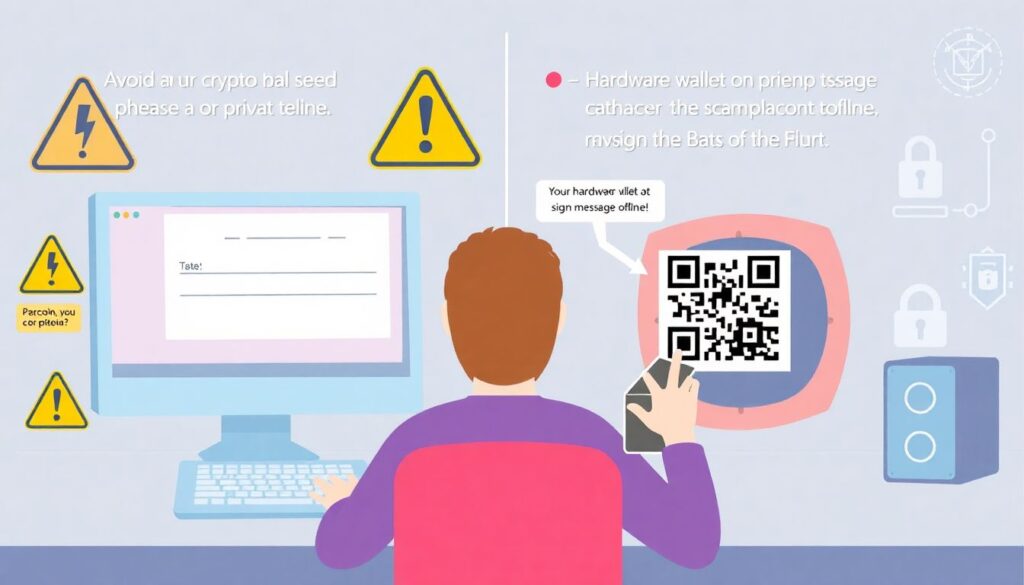
Under no circumstances should you input your wallet’s seed phrase or private key on a shared machine. This is the single point of failure for your crypto security. Instead, use QR codes or hardware wallets to sign messages offline, then transmit the signed message.
Technical Detail: Air-Gapped Signing
Some wallets, like Coldcard, allow for “air-gapped” signing, where transaction files are transferred via microSD cards rather than USB. This completely avoids exposing critical data to the host system.
7. Monitor Account Activity and Set Alerts
Enable account notifications on exchanges or wallet apps. Many services allow you to trigger alerts for:
– Login attempts from new devices or locations
– Large transactions
– API key usage
These are your early warning systems in case something goes wrong.
Choosing the Right Tools for Shared Environments
Not all wallets are built with shared environments in mind. Here are a few that offer better protection under such circumstances:
1. Trezor & Ledger Devices – Hardware wallets with built-in screen verification.
2. Sparrow Wallet (Desktop) – Offers watch-only and air-gapped signing options.
3. Electrum (with Tails OS) – Lightweight and secure when paired with a clean OS.
Rather than relying on browser-based wallets like MetaMask on shared PCs, lean toward desktop wallets that offer manual signing and transaction previews.
Final Thoughts: Security Is a Layered Practice
Securing crypto on shared devices is never 100% safe—but with proper precautions, you can minimize your attack surface significantly. The key is to treat every shared device as hostile. By combining operational security (OPSEC), hardware isolation, and temporary environments, you reduce the risk of compromise to almost negligible levels.
Remember, over $3.8 billion was lost to crypto theft in 2022 alone, according to Chainalysis. A significant portion of these losses stemmed from poor user-side security practices—many of which are preventable with the steps outlined above.
Ultimately, if you must use shared devices, consider the value of the crypto you’re interacting with. If it’s worth protecting, it’s worth the extra steps to secure.